Is ChatGPT Down? How to Keep Working When Servers Fail

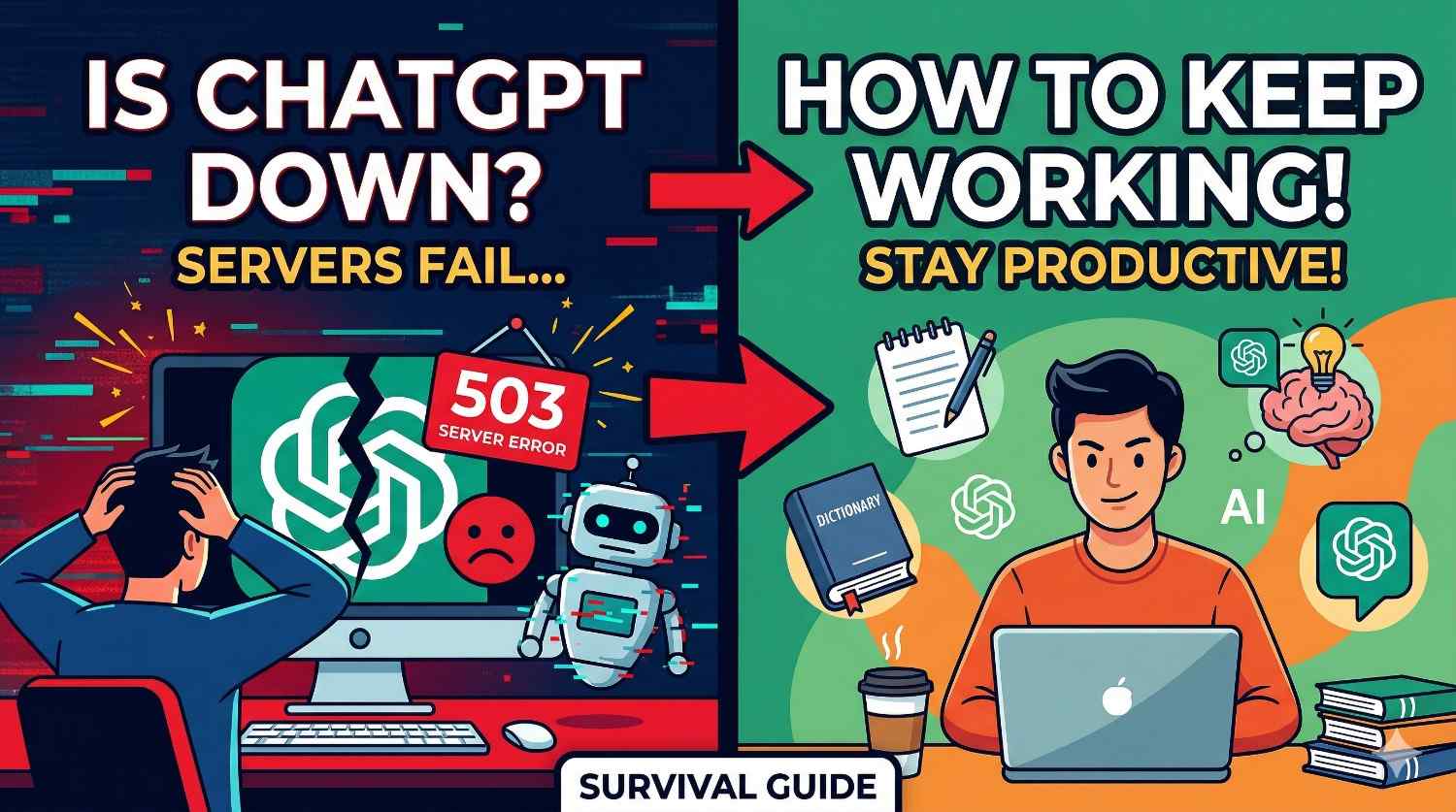
You're right in the middle of writing code, drafting a critical email, or researching for an important project, and suddenly—the dreaded red error message appears. The prompt just hangs, the loading circle spins infinitely, and then: "ChatGPT is at capacity right now" or a harsh "Failed to get service status".
When ChatGPT goes down, millions of workflows instantly grind to a halt. If you rely on AI for your daily productivity, server outages aren't just an annoyance; they block your ability to do meaningful work.
Why do AI servers go down?
Running state-of-the-art Large Language Models requires an immense amount of compute. High traffic spikes, API rate limit exhaustion, or unexpected infrastructure resets often cause massive service degradations. While OpenAI does their best to maintain uptime, outages are a fundamental reality of cloud-based AI today.
What are your options during an outage?
Historically, your options were terrible:
- Wait it out: Just sit there refreshing the page, hoping the servers come back online before your deadline.
- Start over: Open Anthropic's Claude or Google Gemini in a new tab, and artificially try to bring the new AI "up to speed" by quickly writing a prompt summarizing what you were doing. Naturally, the new AI will lack the rich context, early instructions, and nuanced back-and-forth you already established.
Neither of these options is acceptable when you need to be productive.
The Solution: Seamlessly Migrate Your Context
You no longer have to be held hostage by a single platform's server status. Because we found ourselves repeatedly frustrated by ChatGPT outages, we built the Migrate My AI Chat extension.
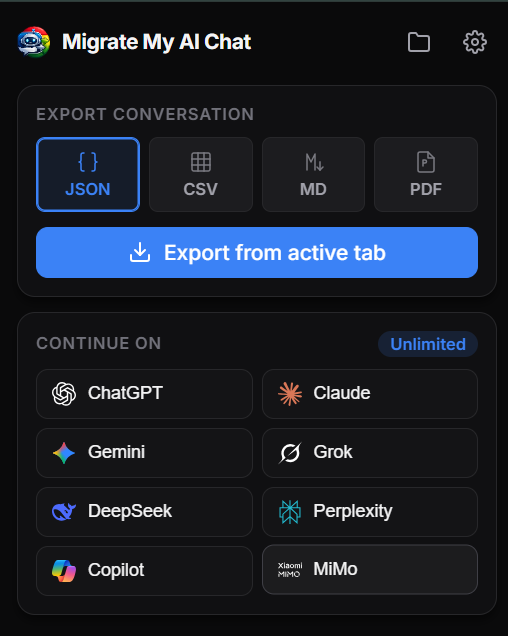
When ChatGPT starts throwing errors, you don't need to panic. Simply click the extension icon, hit "Migrate", and choose your destination (like Claude, Gemini, or Grok). The extension will instantly snapshot your entire conversation history, carry it over to the new platform, and seamlessly inject it into a new chat.
You can literally pick up your conversation in Claude exactly where you left off in ChatGPT—no manual copy-pasting, no lost context, and absolutely zero downtime.
Don't rely on a Single Point of Failure
With multiple world-class AI models available today for free, there's no reason to let one company's server status dictate your productivity. Install the extension today, and the next time ChatGPT goes down, you won't even break a sweat.